Day 23 Task: Jenkins Freestyle Project for DevOps Engineers.
Day-23 #90daysofdevopschallenge
Nikhil Patil
👨💻 I love Linux & DevOps! 💻
🐧 Linux👨💻 | DevOps & Cloud Enthusiast | 🌍 Azure Admin | 🛠️ Ansible | 📂 Git | 🐳 Docker | 🔑 OpenLDAP | 🖥️ System Admin | | 🚀 Jenkins 🛠️
🏠 Pune
🌟 I'm really into using and managing computers with Linux. I also like making things work smoothly and quickly.
📖 I work with Microsoft Azure, use tools like Ansible and Git to automate tasks, and make software run in containers with Docker.
🔒 I handle access and security using OpenLDAP, and I'm all about keeping systems running smoothly.
🌐 Exploring opportunities in cloud and DevOps.
📧 Get in touch: nikrpatil1997@gmail.com
📌 What is CI/CD?
CI or Continuous Integration is the practice of automating the integration of code changes from multiple developers into a single codebase. It is a software development practice where the developers commit their work frequently to the central code repository (Github or Stash). Then there are automated tools that build the newly committed code and do a code review, etc. as required upon integration. The key goals of Continuous Integration are to find and address bugs quicker, make the process of integrating code across a team of developers easier, improve software quality, and reduce the time it takes to release new feature updates.
CD or Continuous Delivery is carried out after Continuous Integration to make sure that we can release new changes to our customers quickly in an error-free way. This includes running integration and regression tests in the staging area (similar to the production environment) so that the final release is not broken in production. It ensures to automate the release process so that we have a release-ready product at all times and we can deploy our application at any point in time.
📌 What Is a Build Job?
A Jenkins build job contains the configuration for automating a specific task or step in the application building process. These tasks include gathering dependencies, compiling, archiving, or transforming code, and testing and deploying code in different environments.
Jenkins supports several types of build jobs, such as freestyle projects, pipelines, multi-configuration projects, folders, multibranch pipelines, and organization folders.
📌 What is Freestyle Projects ?? 🤔
A freestyle project in Jenkins is a type of project that allows you to build, test, and deploy software using a variety of different options and configurations. Here are a few tasks that you could complete when working with a freestyle project in Jenkins
📌 Task-01 Docker Freestyle Project with jenkins
Create an agent for your app ( which you deployed from docker in the earlier task). Create a new Jenkins freestyle project for your app.
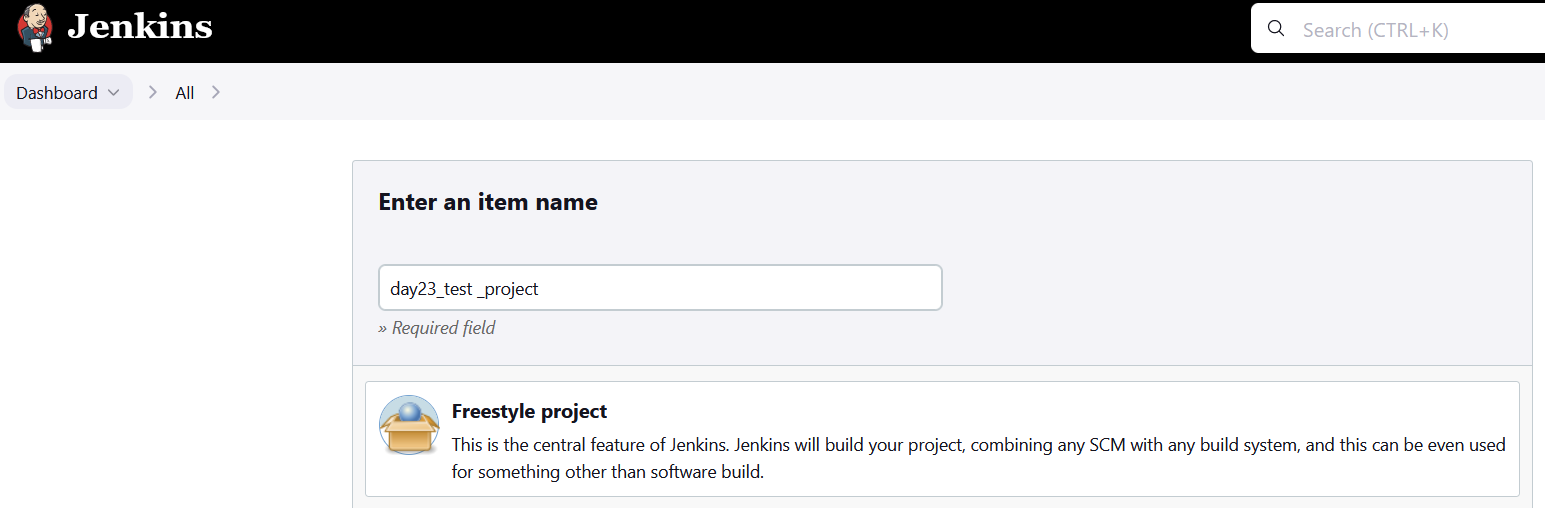
Open the Jenkins dashboard and create a freestyle project
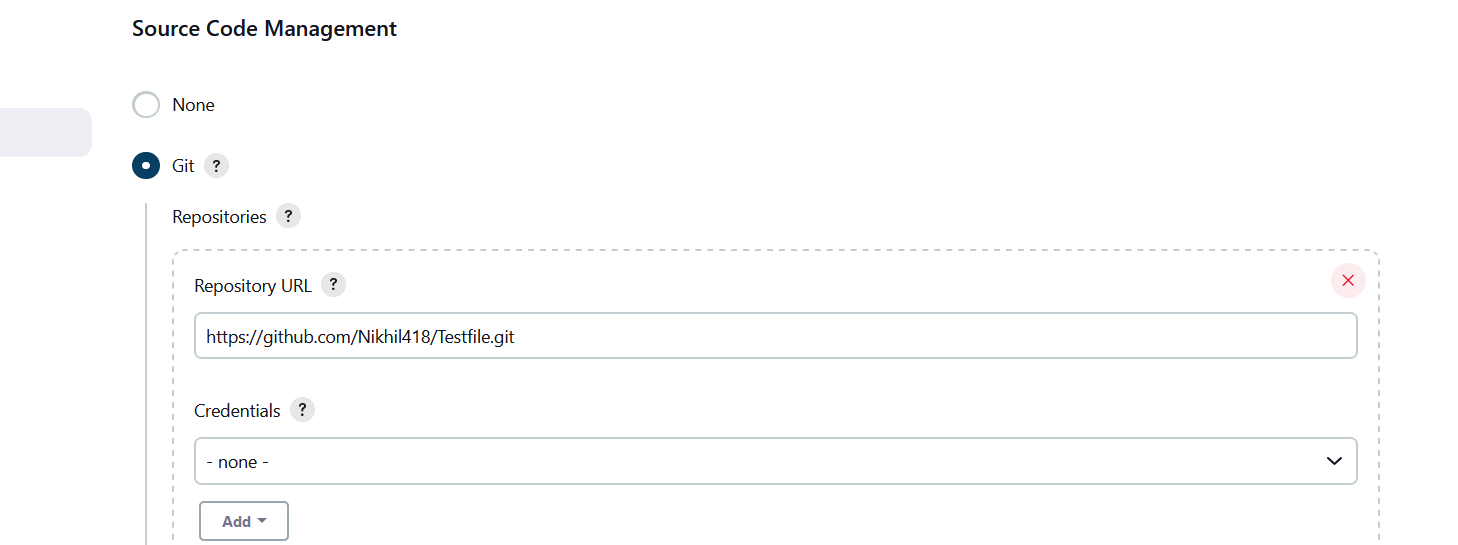
Select git for code management and add git repo url
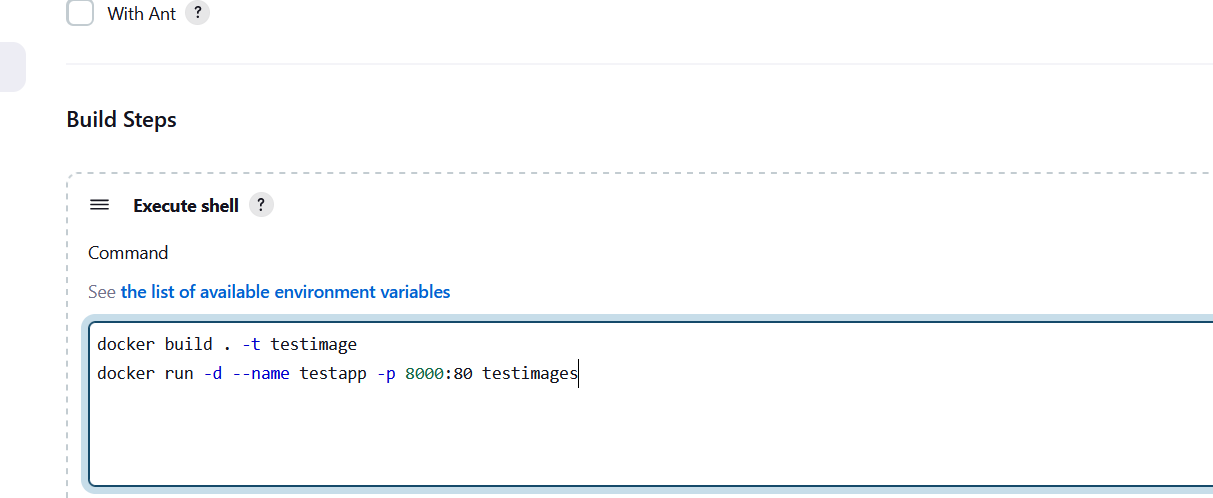
Add the build steps in the execute shell to automate the flow
Check the output in the console
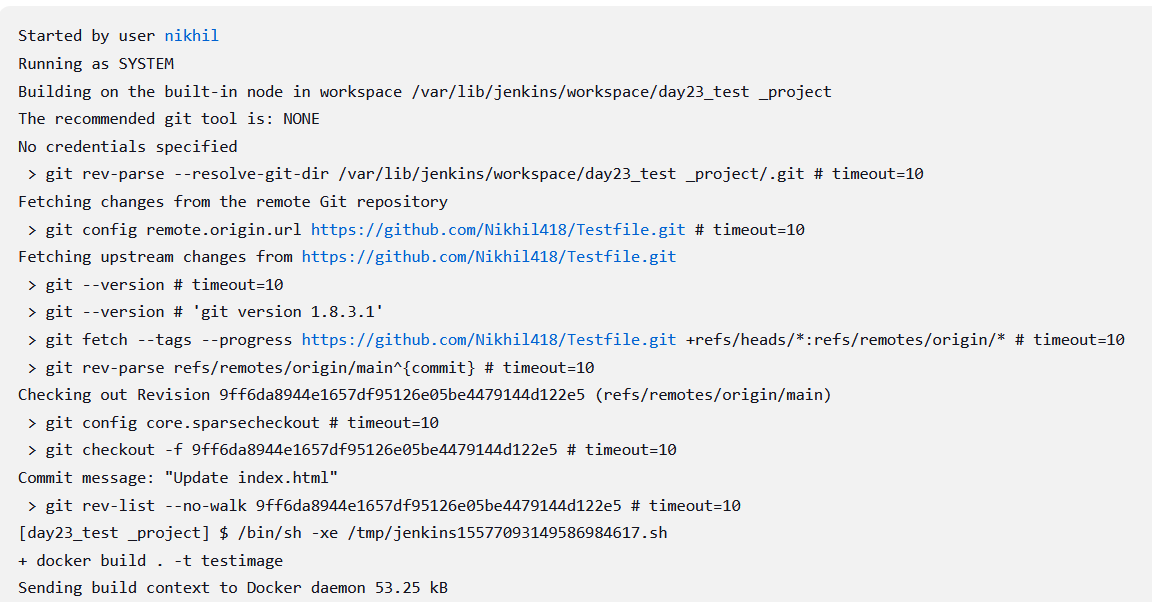
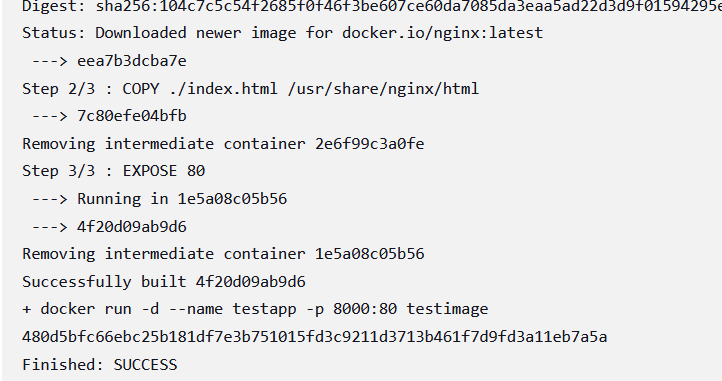
Check the containers

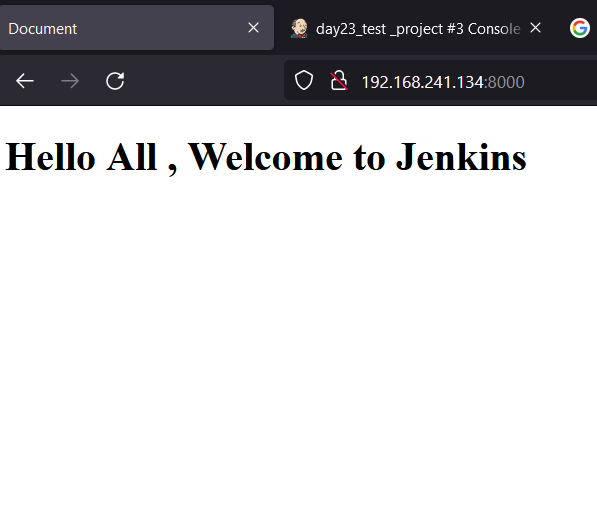
Test the app in the browser
📌 Task -02 Docker Compose Freestyle Project with jenkins
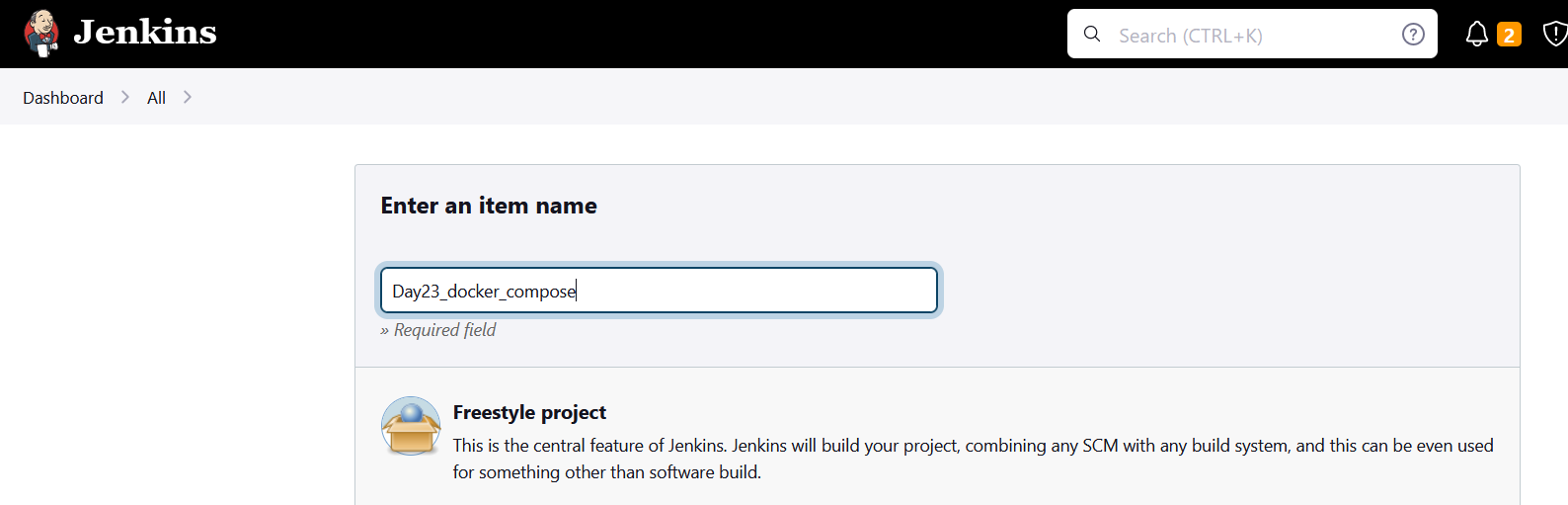
Open the dashboard and create freestyle project
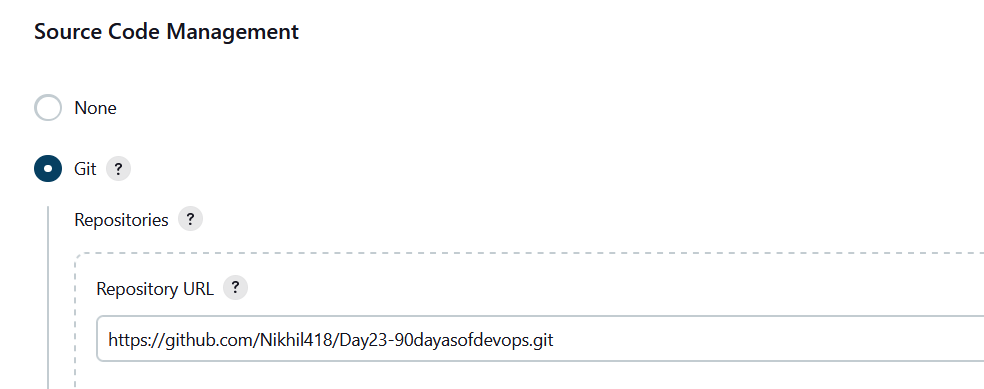
Select git for code management and add git repo url
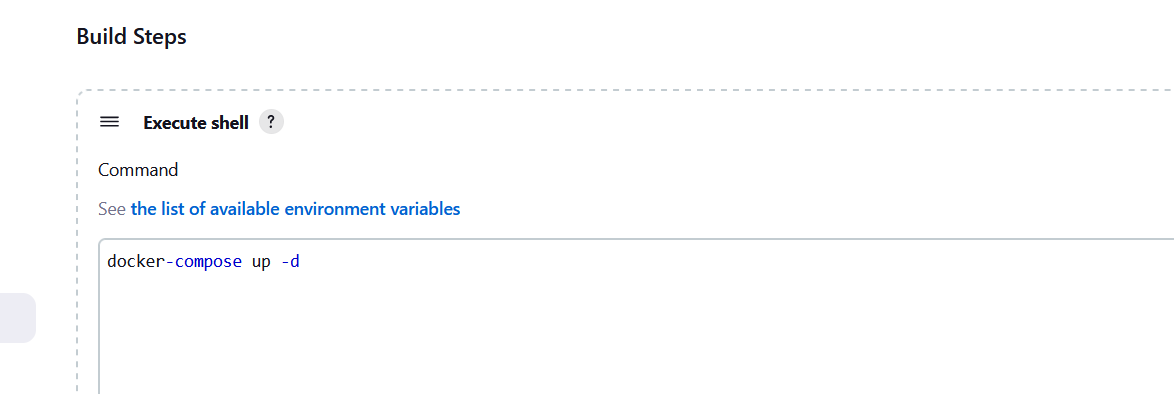
Add build step to create docker containers in execute shell
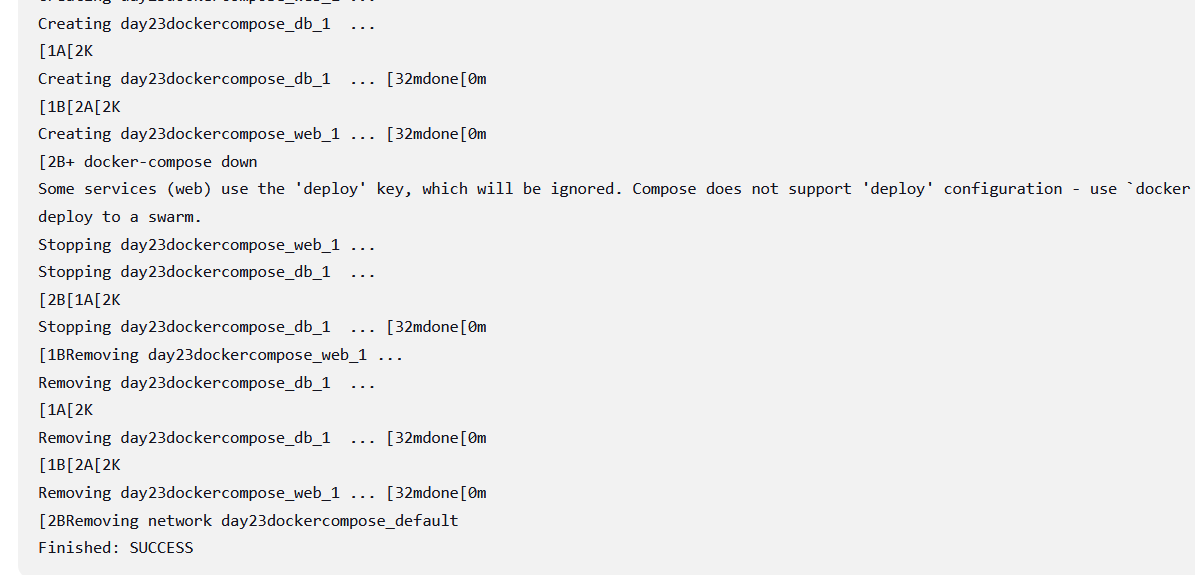
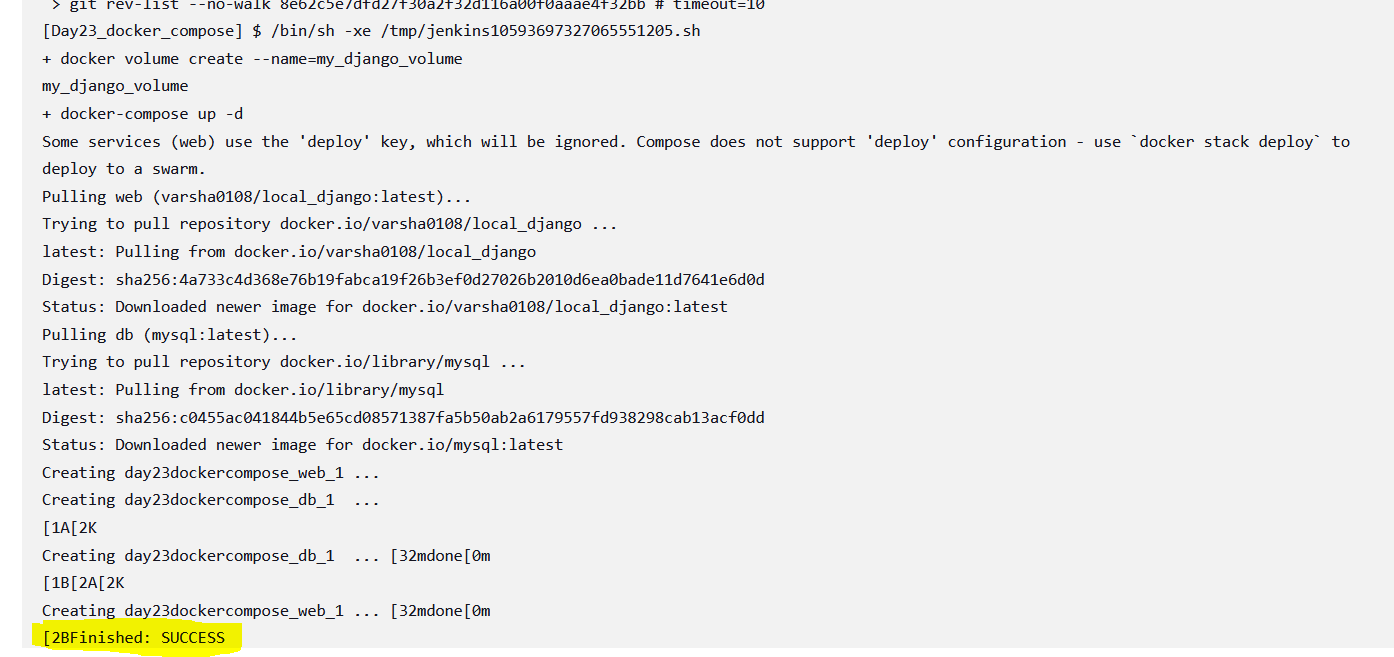
Succefully run docker-compose and check containers in machine

Test the app in browser
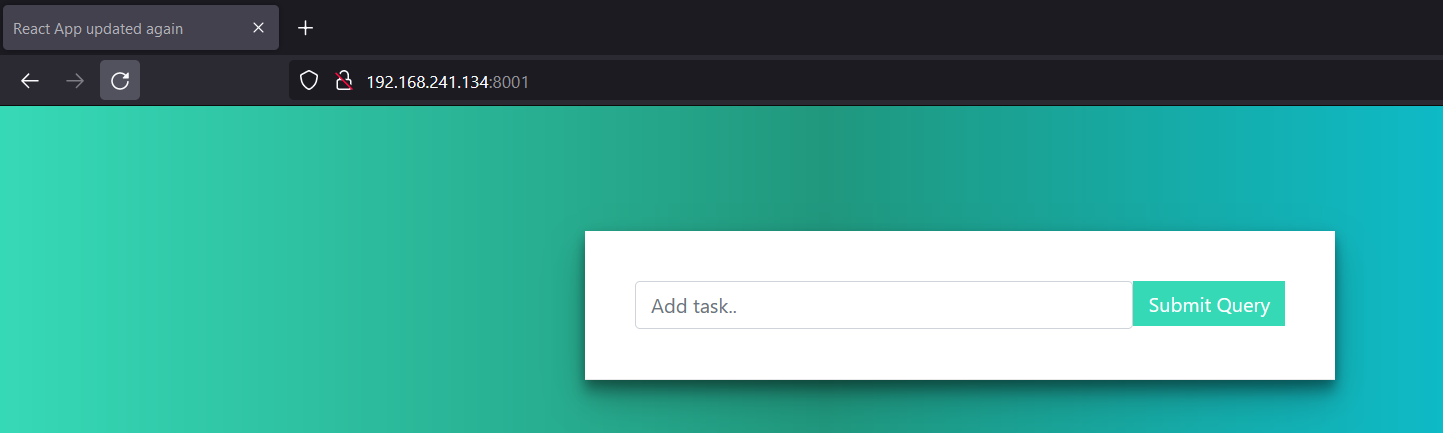
Used docker-compose down to stop and kill containers
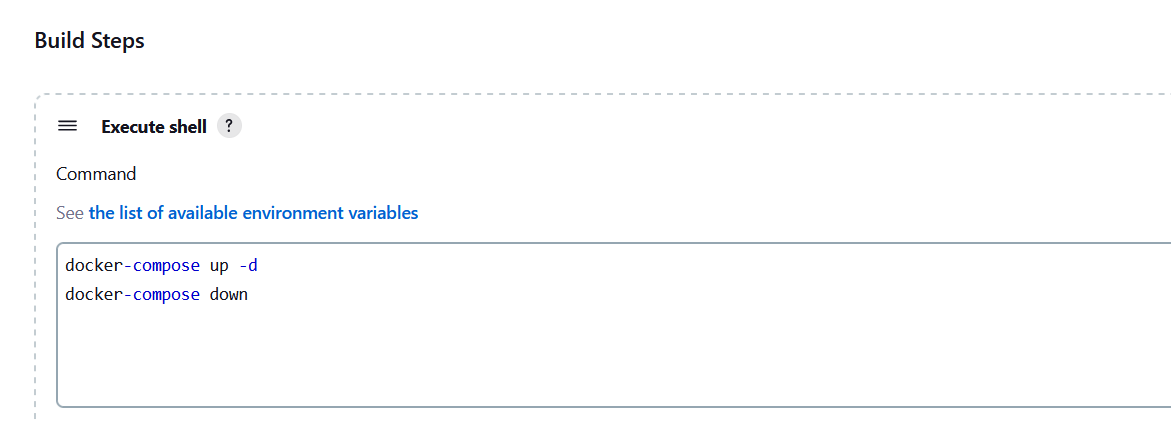
Check the output in console