Day-22: Getting Started with Jenkins 😃
Day-22 #90daysofdevopschallenge
Nikhil Patil
👨💻 I love Linux & DevOps! 💻
🐧 Linux👨💻 | DevOps & Cloud Enthusiast | 🌍 Azure Admin | 🛠️ Ansible | 📂 Git | 🐳 Docker | 🔑 OpenLDAP | 🖥️ System Admin | | 🚀 Jenkins 🛠️
🏠 Pune
🌟 I'm really into using and managing computers with Linux. I also like making things work smoothly and quickly.
📖 I work with Microsoft Azure, use tools like Ansible and Git to automate tasks, and make software run in containers with Docker.
🔒 I handle access and security using OpenLDAP, and I'm all about keeping systems running smoothly.
🌐 Exploring opportunities in cloud and DevOps.
📧 Get in touch: nikrpatil1997@gmail.com
📌 What is Jenkins?
Jenkins is an open-source continuous integration-continuous delivery and deployment (CI/CD) automation software DevOps tool written in the Java programming language. It is used to implement CI/CD workflows, called pipelines.
Jenkins is a tool that is used for automation, and it is an open-source server that allows all the developers to build, test, and deploy software. It works or runs on Java as it is written in Java. By using Jenkins we can make a continuous integration of projects(jobs) or end-to-endpoint automation.
Jenkins achieves Continuous Integration with the help of plugins. Plugins allow the integration of Various DevOps stages. If you want to integrate a particular tool, you need to install the plugins for that tool. For example Git, Maven 2 project, Amazon EC2, HTML publisher, etc
📌 Task-1 What you understood in Jenkin, Write a small article in your own words
Jenkins is a continuous integration and continuous deployment tool that automates the workflow of application deployment.
Jenkins has various stages and every stage has its own work which is to be a bunch of tasks that need to be done on a system, like checking for updates, running tests, or making new software versions. Jenkins can do these tasks automatically, saving people time and ensuring things work correctly every time.
It's like a scheduler that knows when to start the tasks,it could be at specific times or when something happens, like new code being added. If many people are working on a project, Jenkins helps them all stay on the same page and make sure everything fits together smoothly.
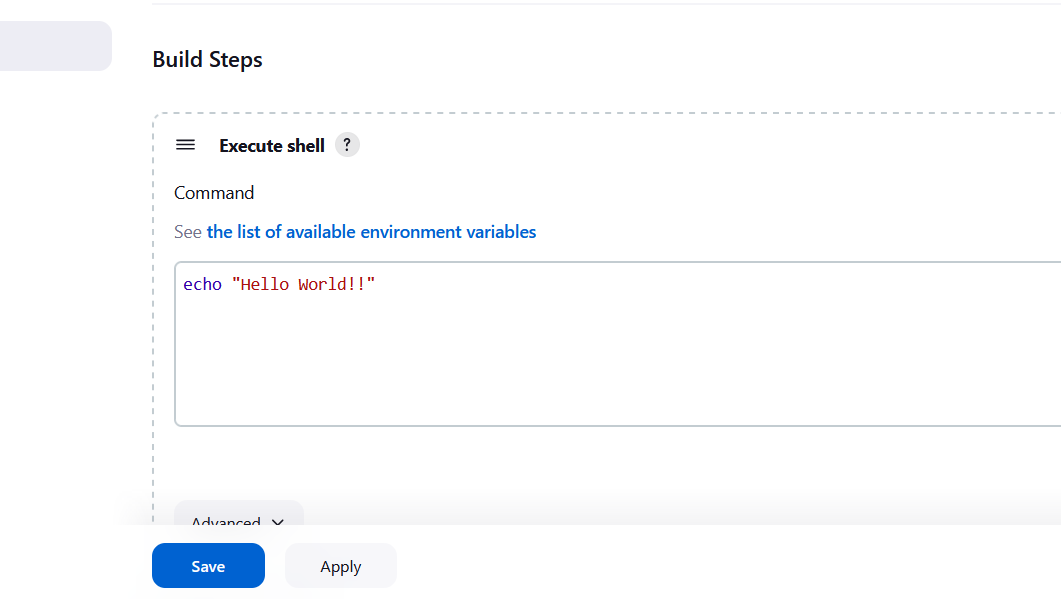
📌 Task 2 Create a freestyle pipeline to print "Hello World!!
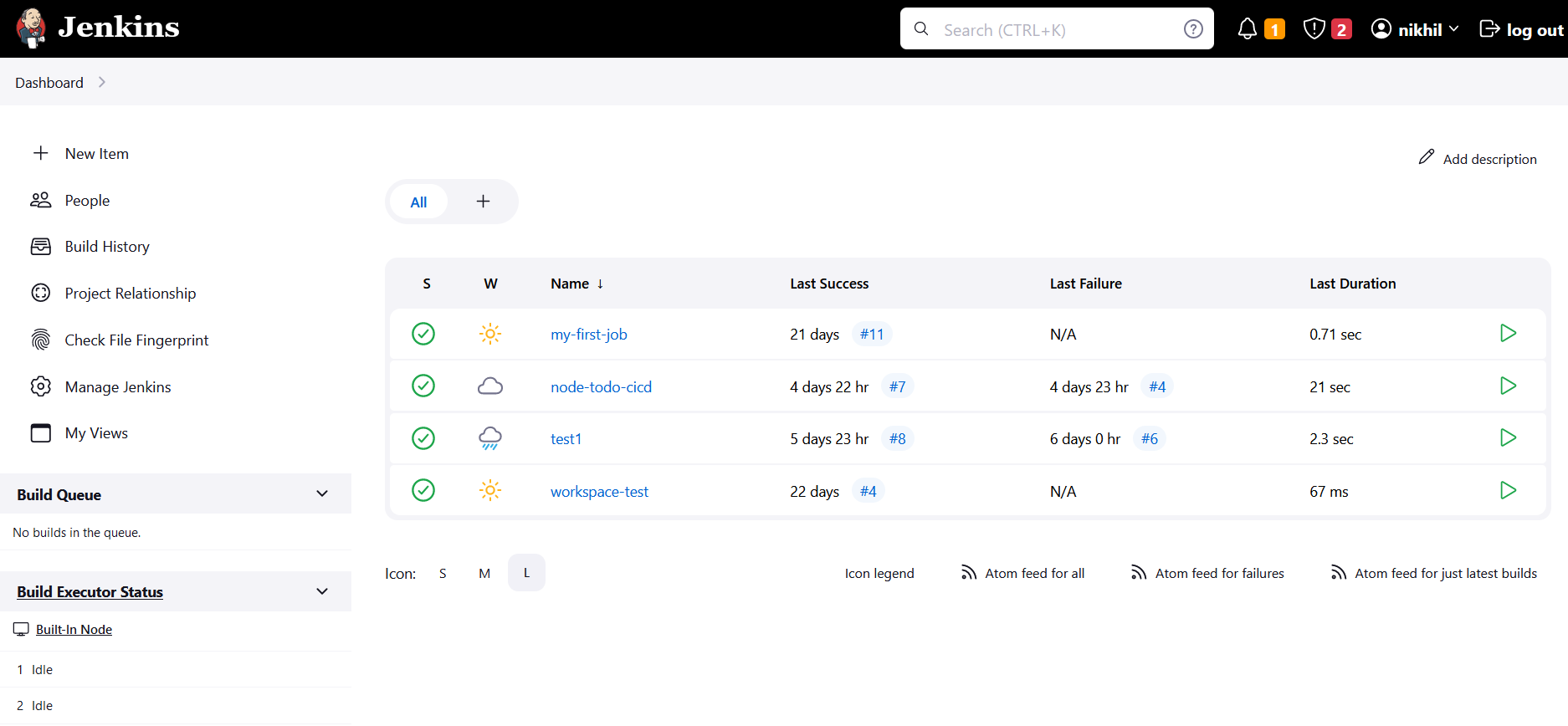
Open the jenkins dashboard in browser  url -  http://<jenkins_server_ip:8080>

jenkins run on port 8080
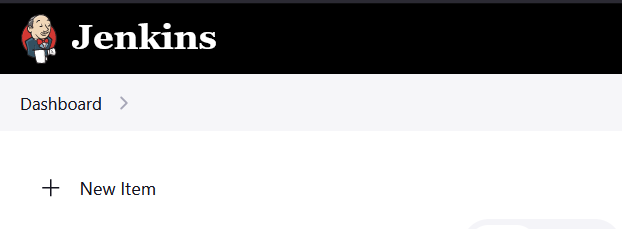
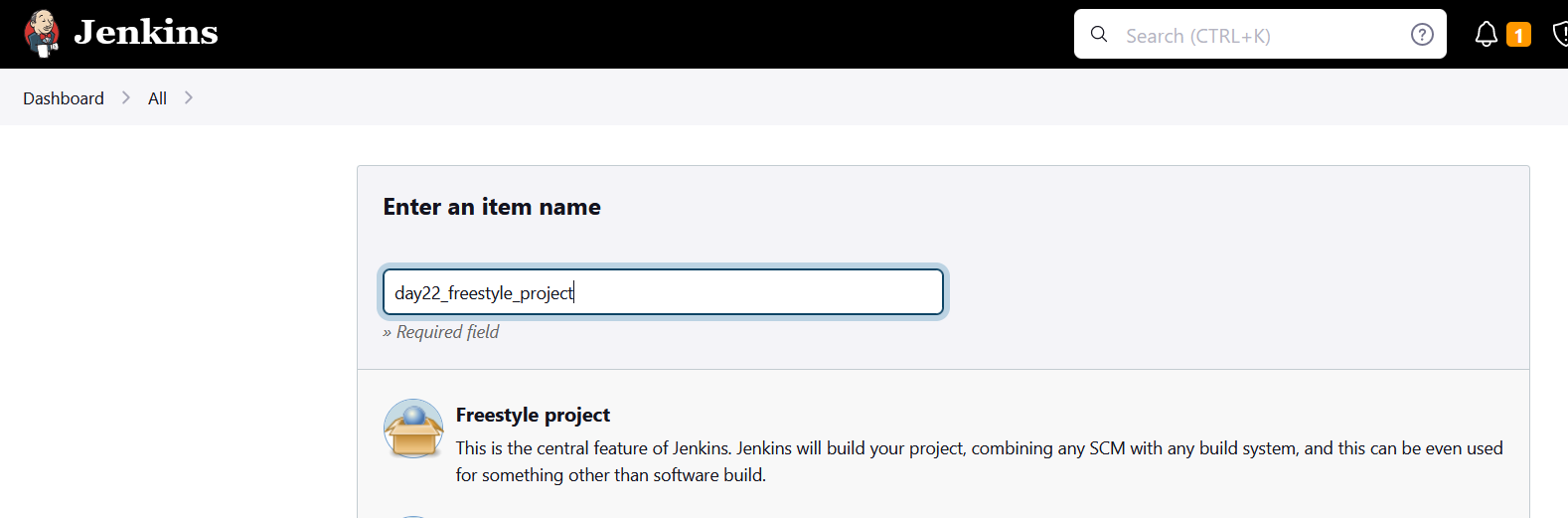
Then go to new item and in that click on freestyle project and then ok
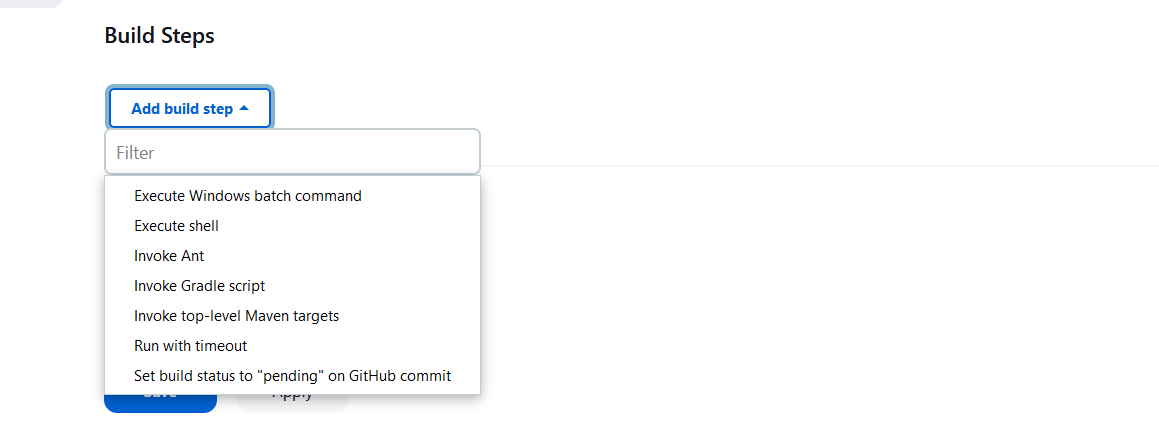
Then go to build steps and select execute shell
Then add command that you want execute and save apply
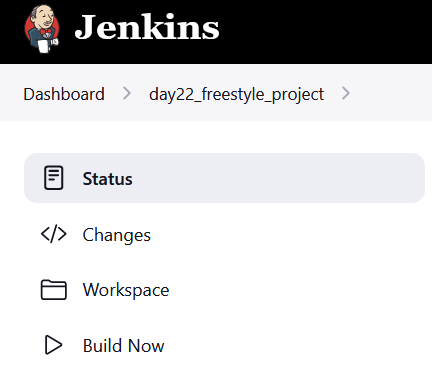
Click on build now to run the freestyle project
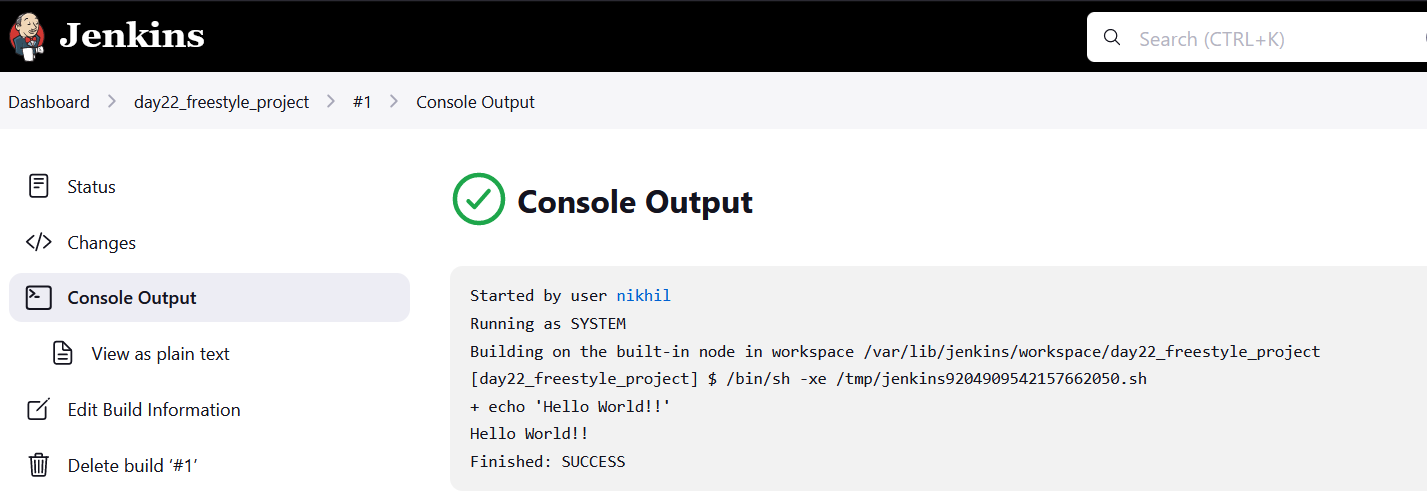
After building the job go to the job and in that open console output
, printed Hello World!! output.