Advance Git & GitHub for DevOps Engineers.
Nikhil Patil
👨💻 I love Linux & DevOps! 💻
🐧 Linux👨💻 | DevOps & Cloud Enthusiast | 🌍 Azure Admin | 🛠️ Ansible | 📂 Git | 🐳 Docker | 🔑 OpenLDAP | 🖥️ System Admin | | 🚀 Jenkins 🛠️
🏠 Pune
🌟 I'm really into using and managing computers with Linux. I also like making things work smoothly and quickly.
📖 I work with Microsoft Azure, use tools like Ansible and Git to automate tasks, and make software run in containers with Docker.
🔒 I handle access and security using OpenLDAP, and I'm all about keeping systems running smoothly.
🌐 Exploring opportunities in cloud and DevOps.
📧 Get in touch: nikrpatil1997@gmail.com
📌 Git Branching
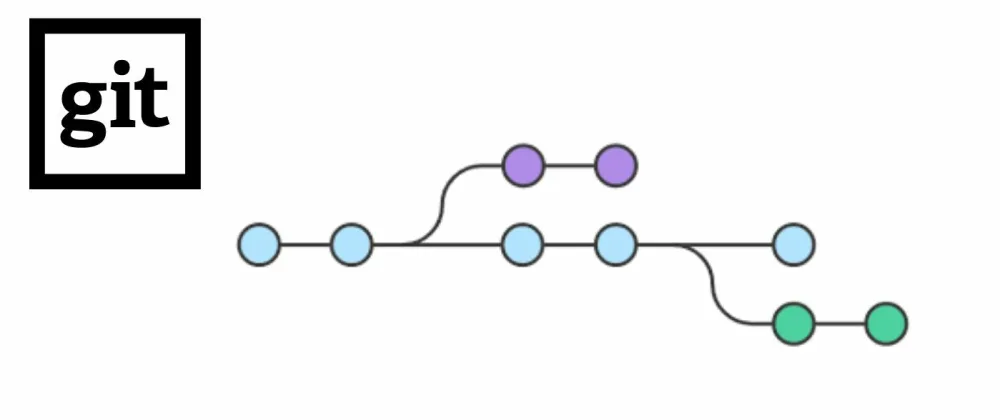
Git branching is a way to work on different versions of a project simultaneously. Git branches are effectively a pointer to a snapshot of your changes.
📌 Git Revert and Reset
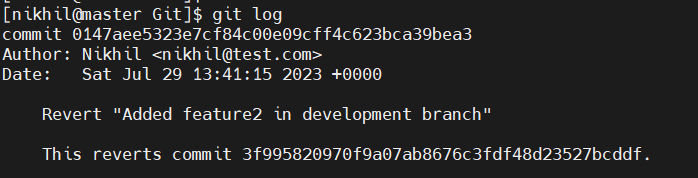
Git revert Allows you to create a new commit that undoes the changes introduced by a previous commit without removing it from the project's history.
Git Reset is more like moving the branch pointer to a different commit. It allows you to reset the project's history to a specific commit, discarding commits after that point
📌 What Is Git Rebase?
Git Rebase is a powerful Git command used to integrate changes from one branch into another. It allows you to modify the commit history by moving, combining, or excluding commits
📌 What Is Git Merge?
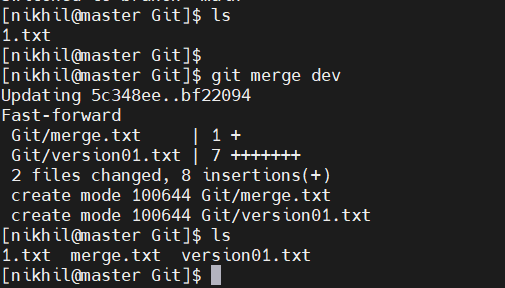
Git Merge is a Git command used to combine changes from one branch into another. It allows you to integrate the work done in a feature branch or any other branch back into the main branch.
📌 Task -1 Demonstrate the concept of Git Branch and Revert
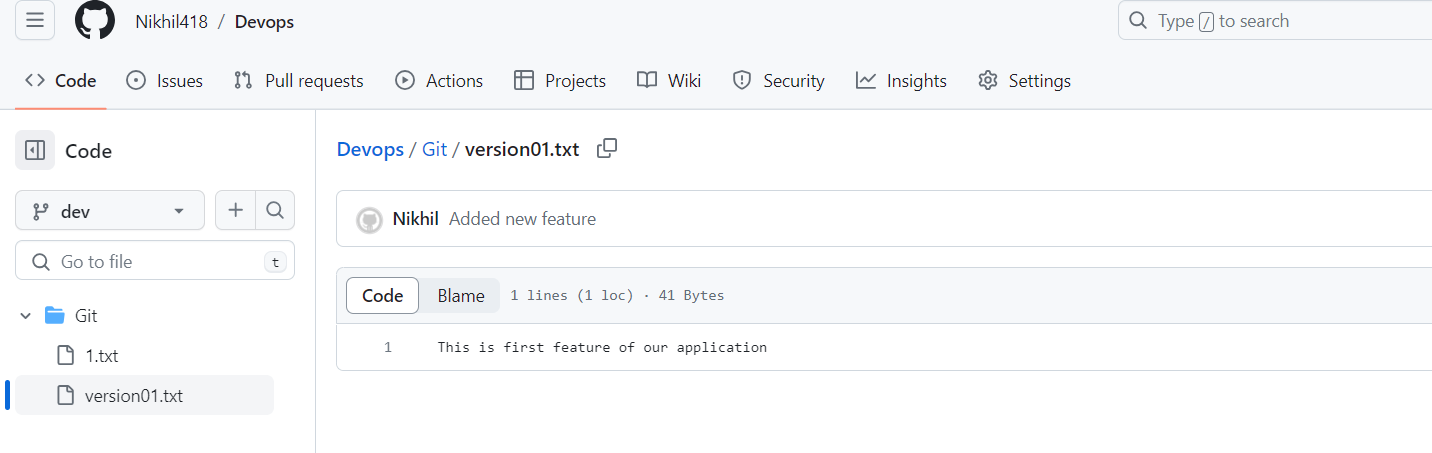
Add a text file called version01.txt inside the Devops/Git/
with “This is first feature of our application” written inside and commit the changes
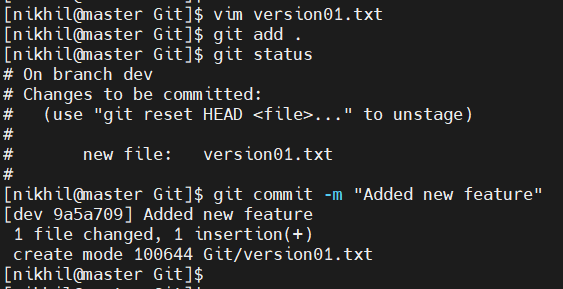
version01.txt should reflect at local repo first
followed by Remote repo for review.
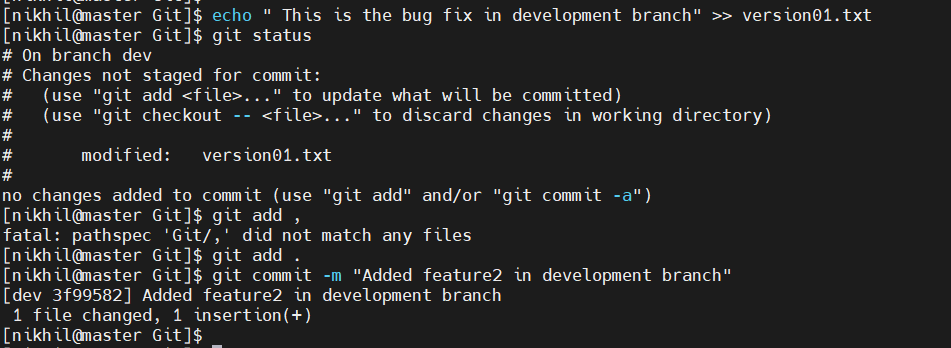
1st line>> This is the bug fix in development branch
Commit this with message “ Added feature2 in development branch”
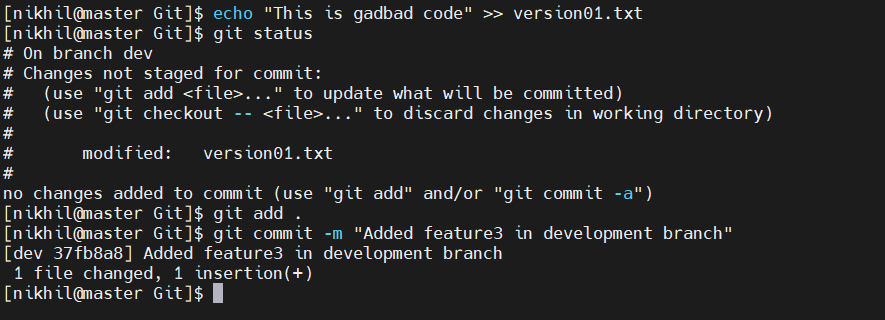
2nd line>> This is gadbad code
Commit this with message “ Added feature3 in development branch
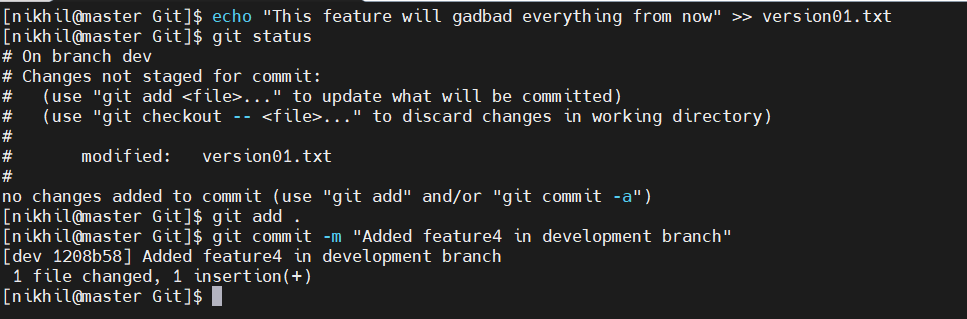
3rd line>> This feature will gadbad everything from now.
Commit with message “ Added feature4 in development branch
Restore the file to a previous version where the content
should be “This is the bug fix in development branch”

📌 Task -2 Demonstrate the concept of branches with 2 or more branches
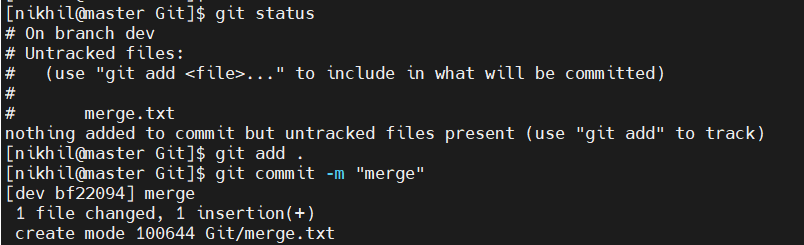
merged two branches